

If you run a side project or a small web service, you've probably gotten a message like this at some point:
"Hey, your site's down?"
The real problem isn't that the site went down. It's that you found out from a user instead of finding out first.
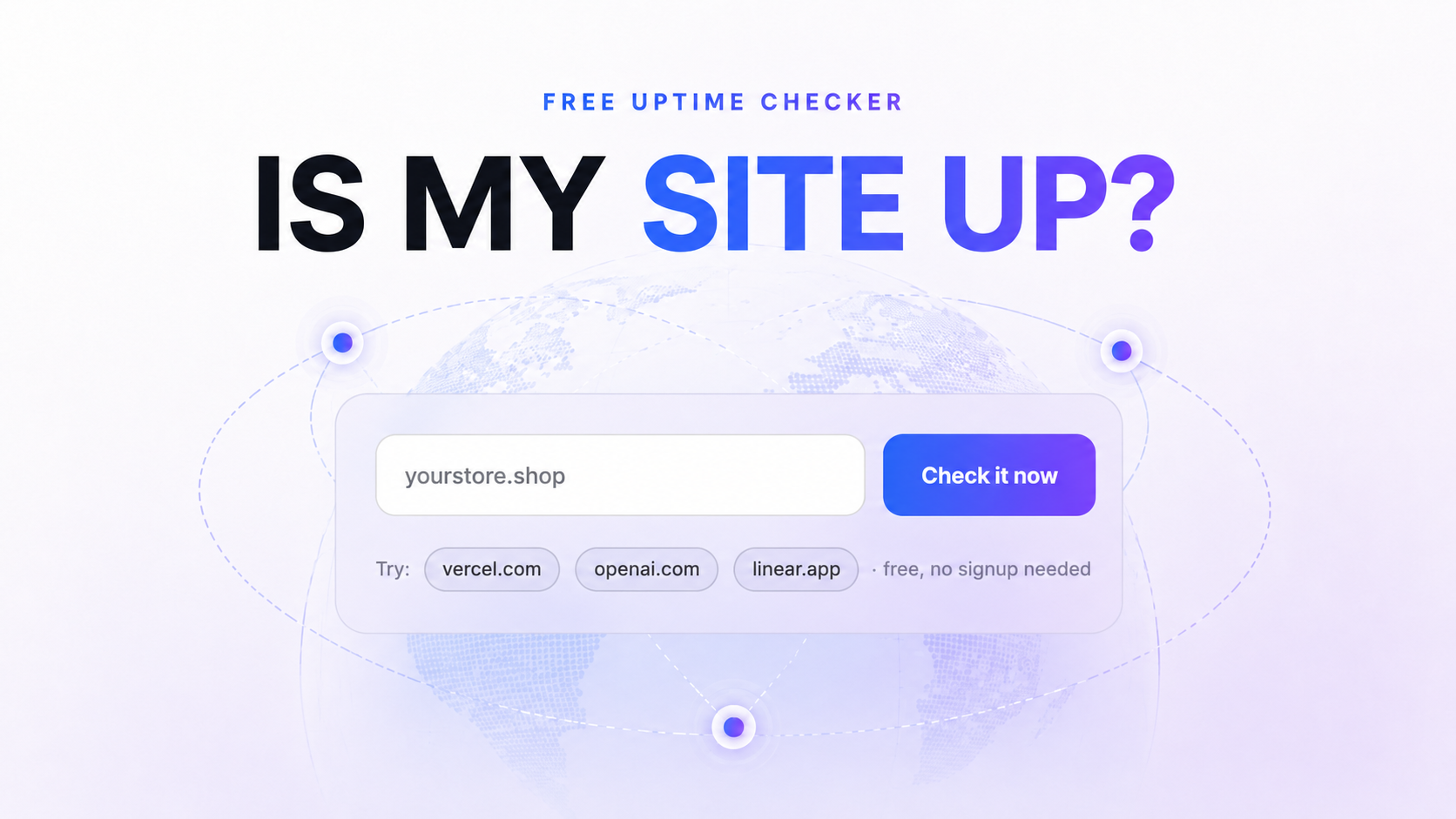
So we built a free uptime checker. Just enter a URL, and it tells you right away whether your site is responding normally. No complicated setup, no waiting around — just an instant answer to "is my site alive right now?"
1. The 2am Problem
When something breaks, who notices first?
You'd think it'd be you. More often, it's your users — especially in the dead of night, or any stretch of time when nobody's watching. That's usually when you get the message above, and a dozen thoughts hit you at once.
How long has it been down? How many people have already hit the error? What do I even check first? You scramble through logs, restart the server, and eventually send an apology that's already too late.
None of this happens because of some huge mistake. If you're running a side project alongside a full-time job, or building something solo, just writing and shipping code already eats up all your time. You know monitoring matters, but it never feels urgent enough to actually set up — so it keeps slipping.
A lot of people launch without even knowing what they should be checking in the first place. Then something breaks, and once again, a user is the one who tells you.
We kept seeing this pattern play out, and it convinced us there needed to be an easy way to start with the basics.
2. Check Your Site's Status with Just One URL
It's simple. Enter the URL you want to check, hit go, and within seconds you'll see its current status — including:
- Whether the site is responding normally
- The HTTP status code it returned
- How long the response took
Sign-up is quick, and you're checking right away. We built this for one purpose: answering "is my site up right now?" or "is this actually responding the way it should?" — nothing more. No dashboards to configure, no settings to dig through.
When you're running something solo or with a tiny team, what you need first isn't a wall of metrics. It's a clear, immediate answer.
3. What's Happening Under the Hood
The mechanics are straightforward: we send a request to your URL, measure the response code and response time, and show you the result.
But we don't check from just one place — we check from multiple locations around the world. That means we can catch the kind of problem you'd otherwise miss entirely: your site loads fine on your machine, but users in a specific region can't reach it at all.
And this isn't some lightweight test we spun up separately. It runs on the same monitoring infrastructure we use for our actual product, tuned to return fast, reliable results.
4. What This Free Checker Doesn't Do
Let's be upfront about the limits. The free checker only tells you the status at the moment you check it.
If your site looks fine right now but goes down ten minutes later, this tool won't catch that. It doesn't keep a history, send alerts, or watch your site continuously. That's the line between a one-time check and always-on monitoring.
If all you need is a single check right now, the free tool is all you need. But once you're managing more than a handful of URLs, checking each one by hand stops scaling. A few signs you've outgrown it:
- You're running three or more sites or APIs
- Your service needs to stay up through nights and weekends
- You'd rather know about an outage before your users do
- You need ongoing visibility into response times and incident history
- You need to catch failures where the status code looks fine (200 OK) but the page is actually broken or a feature has silently stopped working (a content/body check)
That's where always-on monitoring comes in. Sign up, register your URLs, and we'll check them on a set schedule — alerting you the moment something goes wrong. If the free checker tells you where things stand right now, always-on monitoring is what watches for the next time something breaks.
5. Try It Free
The fastest way to understand it is to just try it. Enter the URL of whatever you're running right now.
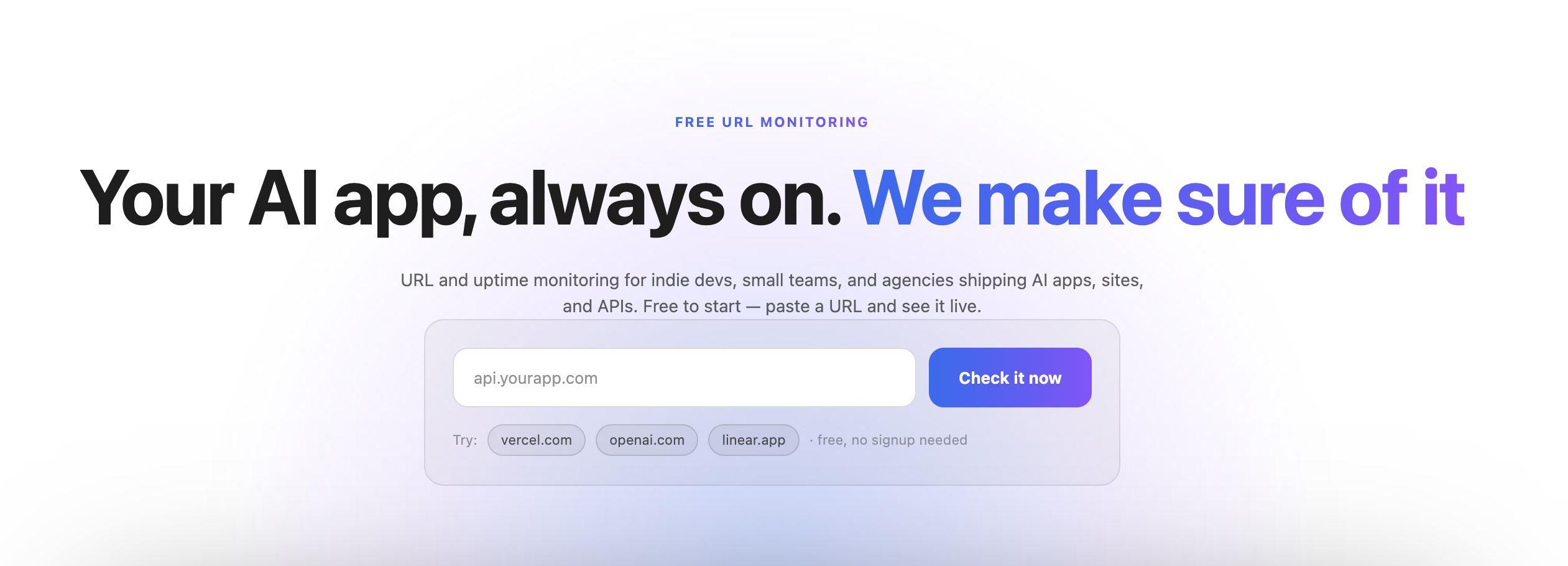
You'll see the current status and response time immediately. And if a single check isn't enough — if you need something watching your site through the night and every weekend — that's what always-on monitoring is for.